
📝 Ludwig's Editor
Edit Your Server Config Files — Without Leaving The Game
Having the trouble to either grant full backend Access or not have your staff edit Files on your Server?
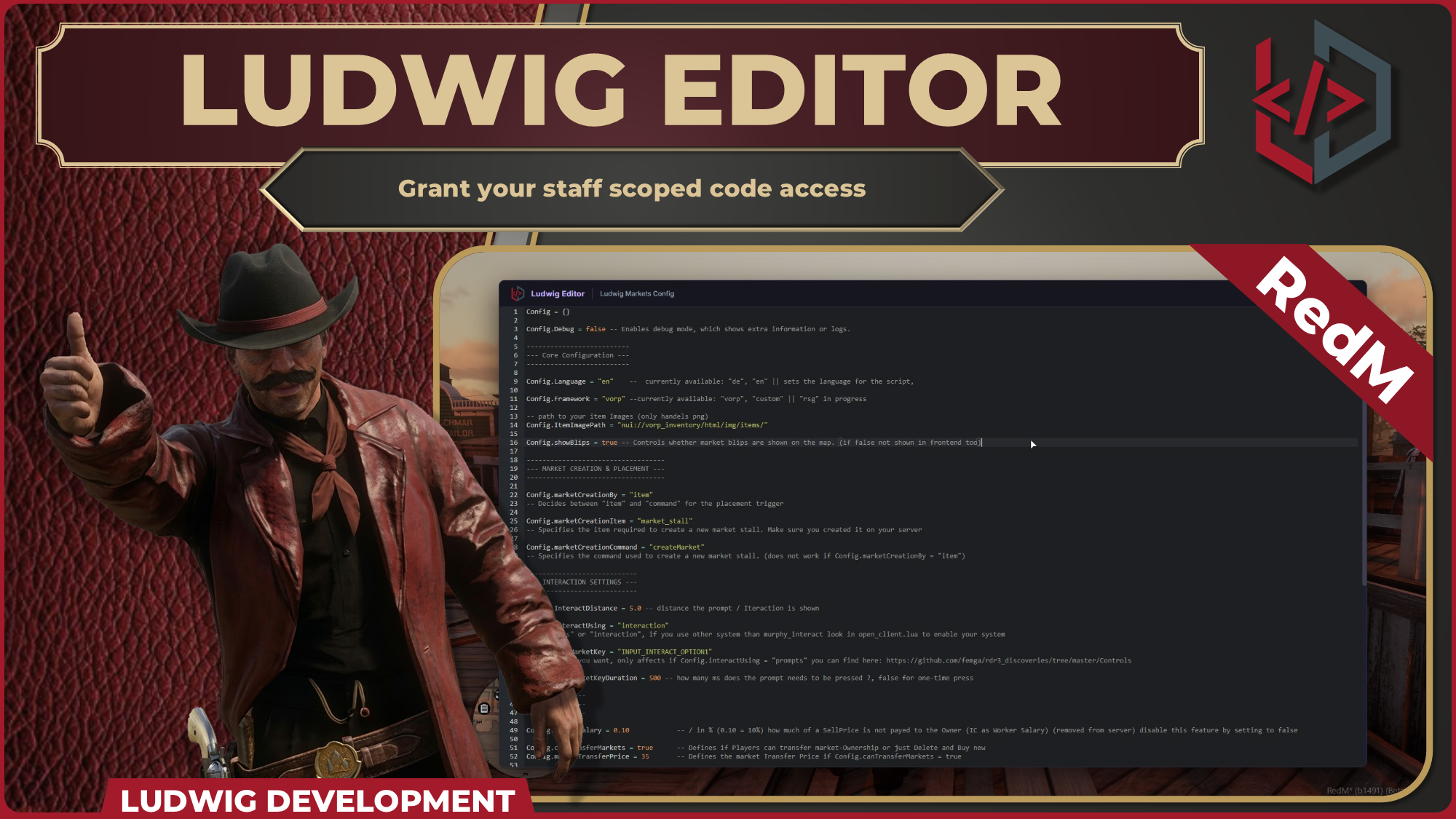
LUDWIG_EDITOR puts a full code editor directly inside your RedM client. Whitelisted admins can open, edit, and save files on the fly: no file transfer, no context switching.
Links
🌍 Supported Languages
-
🇺🇸 English
-
🇩🇪 German (Deutsch)
LanguageFile is open for you to edit it*
🚀 Key Features
-
In-Game Code Editor A high quality Code IDE, running inside your RedM NUI — syntax highlighting, line numbers, find (
Ctrl+F), and keyboard-native editing. -
Lua Syntax Highlighting
.luafiles are highlighted out of the box with full language support. -
Save Without Restarting Press
Ctrl+Sor click Save. The file is written instantly, changes will apply after the next Resource Start. -
Whitelist-Based Access Only IDs you explicitly trust in
serverconfig.luacan open the editor. Everyone else gets flagged and logged to your Discord. -
Per-File Whitelist You define exactly which files are editable. No file outside the whitelist can ever be opened or written, regardless of what the client sends.
-
Concurrency Lock Two admins cannot edit the same file at the same time. The second admin receives a notification and the file stays locked until released.
🔒 Security Model
Every file operation is validated server-side:
- Steam ID must be in
ServerConfig.Permissions - File name and metadata must exactly match the server whitelist (
DeepEqualcheck) - Session token must be active
Only after all three pass does the server load or write anything.
✏️ Open to Edits
The following are not escrowed and can be freely customized:
-
AdminCheck Function — Swap in your own admin/permission logic
-
Discord Message Function — Adjust webhook formatting, targets, or disable entirely
-
Locale Files — Translate or tweak any UI string to your liking
A README with full setup instructions is included in the resource.
⚙️ Configuration
-- Steam IDs allowed to open the editor
ServerConfig.Permissions = {
    ["steam:your_steam_id_here"] = true,
}
-- Files available in the editor menu
-- Value: { script = "resource_name", path = "relative/path/from/resource/root.lua" }
ServerConfig.FilesToEdit = {
    ["Housing Config"]  = { script = "bcc-housing",      path = "houseconfig.lua" },
    ["Markets Config"]  = { script = "ludwig_markets",   path = "config.lua" },
}
Usage
- Connect as a character whose Steam ID is in
ServerConfig.Permissions - Type
/editorin chat - Select a file from the menu
- Edit in the editor
-
Ctrl+Sor click Save to write —Escapeor Close to discard
!This is an Escrowed Version of the Script!