
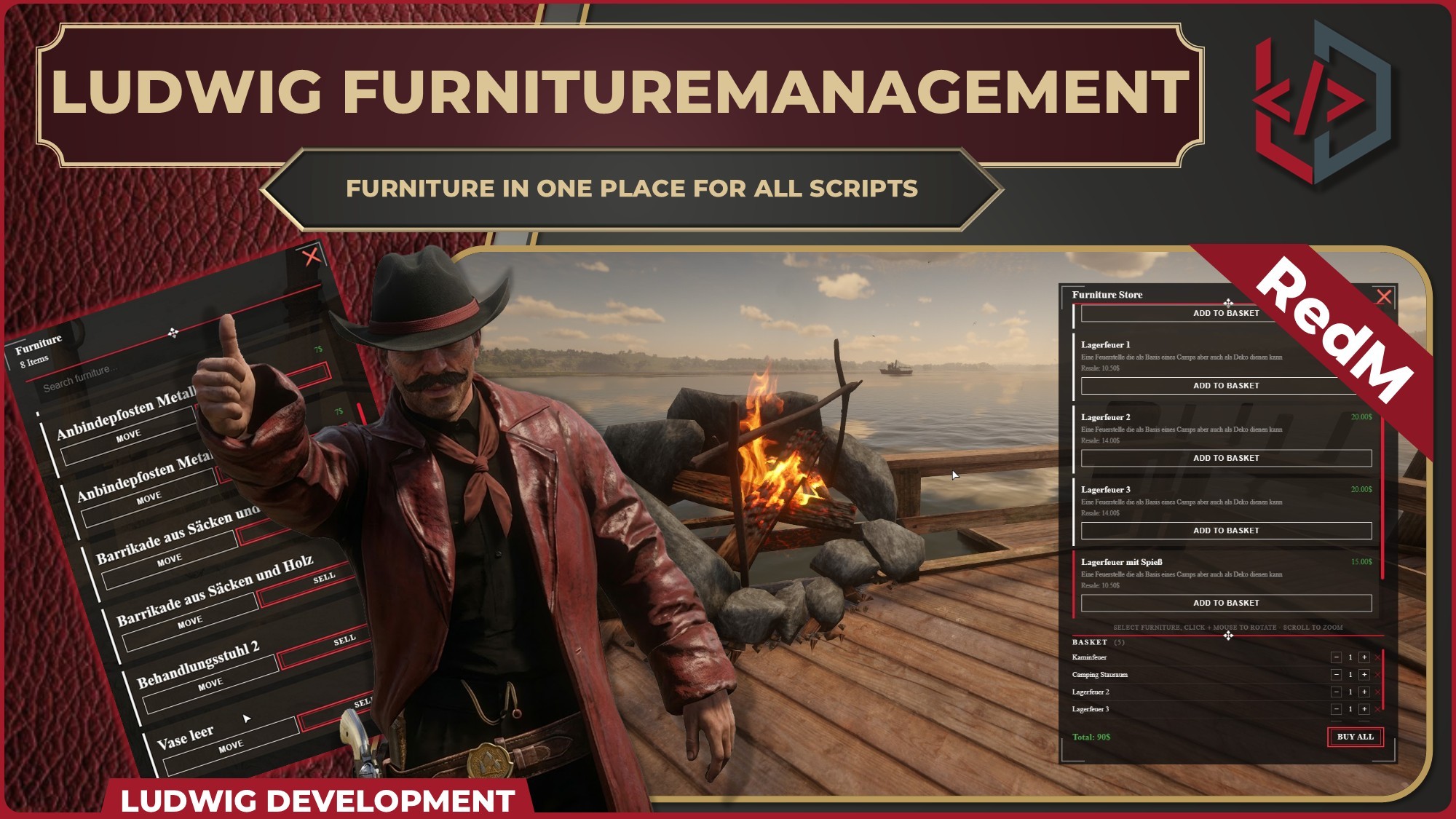
🛋️ ludwig´s Furniture Management
The Complete Furniture Commerce Solution for RedM
Stop fiddling with furniture configs across a dozen different scripts.
LUDWIG_FURNITUREMANAGEMENT is the definitive central hub for buying, placing, and managing props. It provides a seamless, unified experience for your players and a robust API for developers to hook into.
🚀 Key Features
-
In-World NPC Stores Spawn furniture vendors at any location with custom coords, animations, scenarios, and map blips.
-
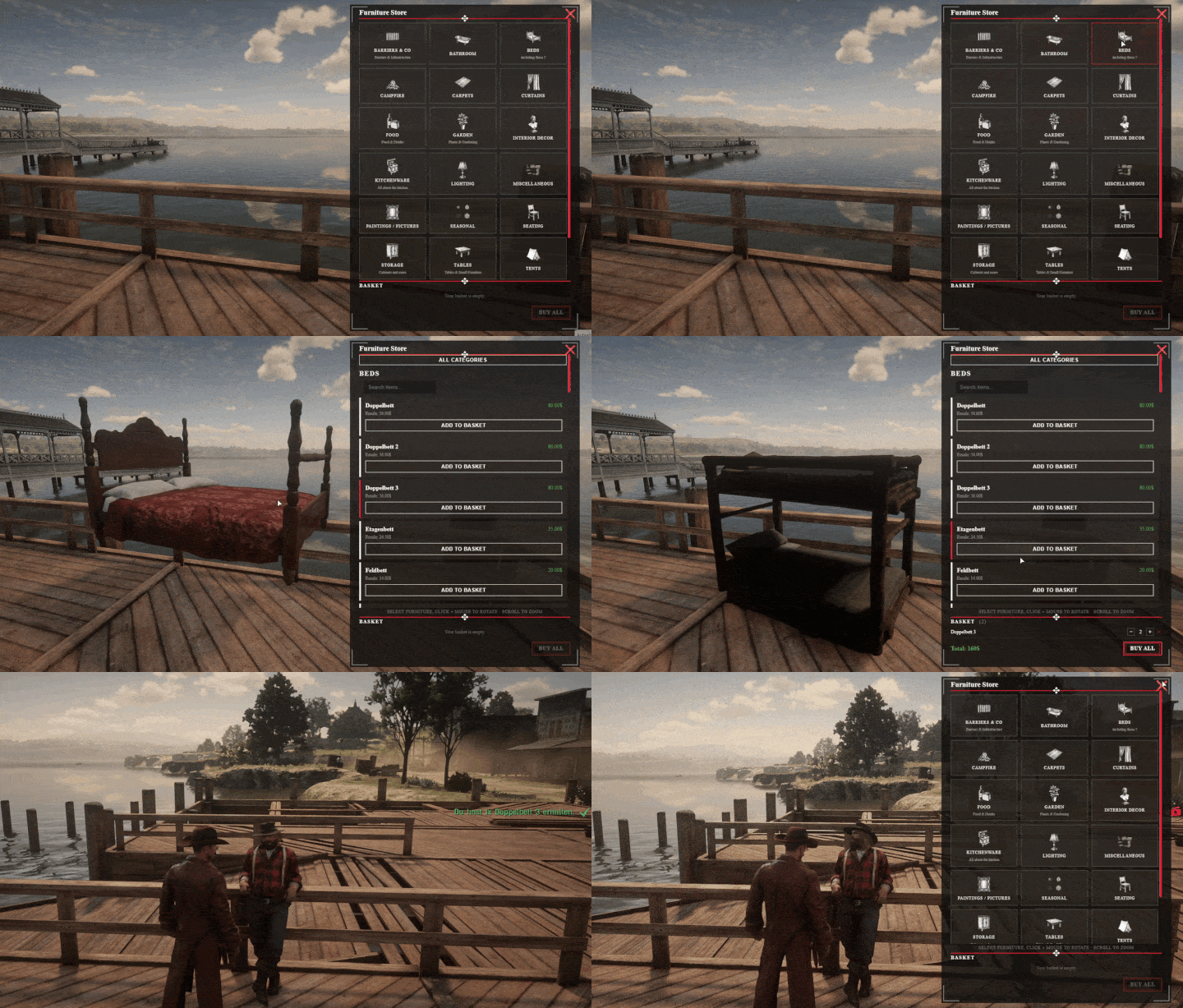
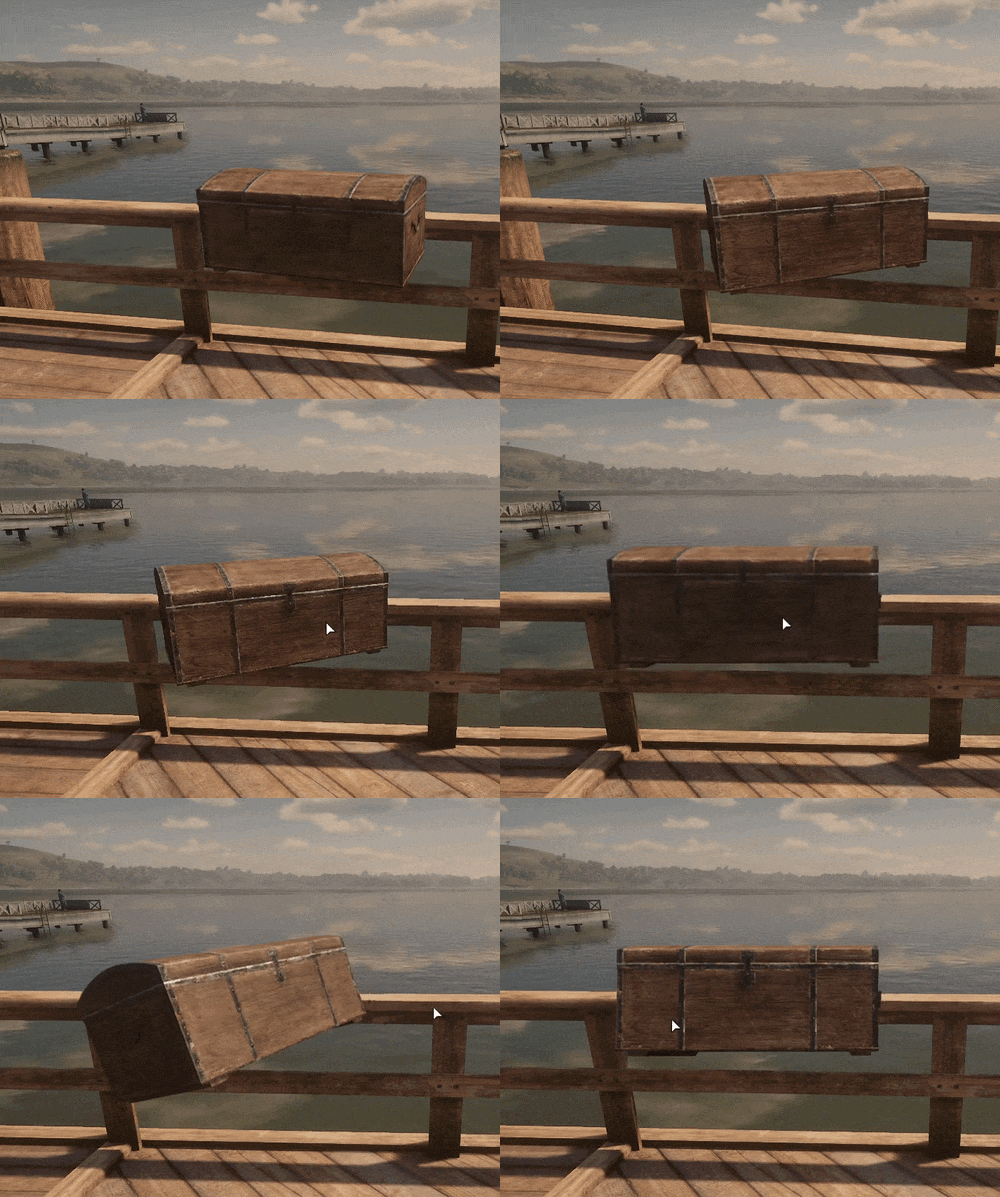
Live 3D Preview Players can rotate and zoom props directly in-world before adding them to the basket. Every store has a dedicated preview zone so nothing feels abstract.
-
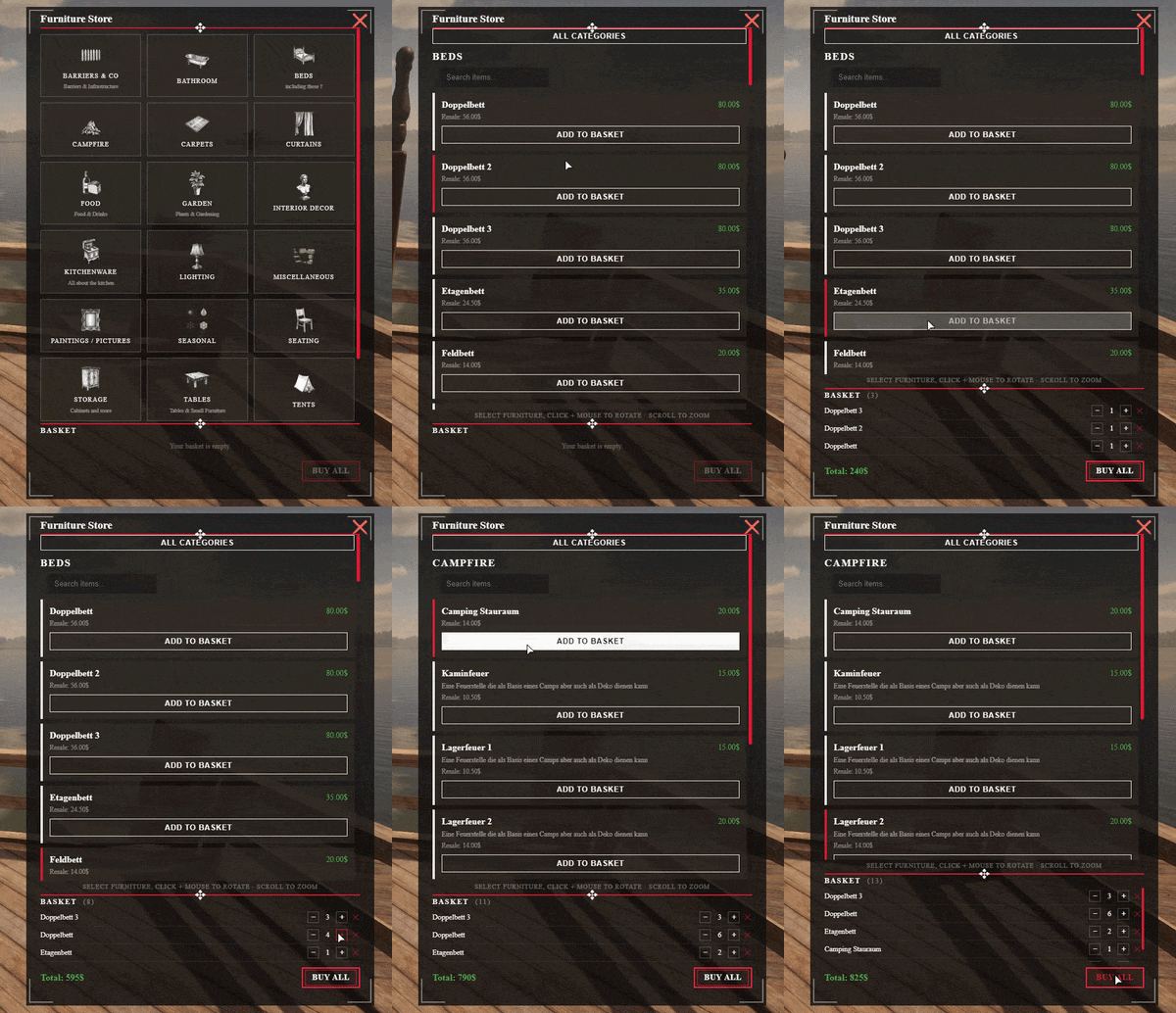
Category & Search System Furniture is organised into categories (beds, chairs, bathroom, and more). Players can filter by keyword inside the buy panel for fast browsing.
-
20 Categories with 1300+ Items Preconfigured Categorized Furniture-Items with custom Labels (german), pricing etc. Easy to expand and edit (some Assets are Free Spooni Stuff like "badewanne1".
-
Basket Checkout Add multiple items at different quantities, see the running total, and purchase everything in one go. No repeated menu-diving.
-
VORP-Native Full VORP Core + vorp_inventory integration out of the box — money checks, item grants with metadata, carry-weight validation. No patching required.
-
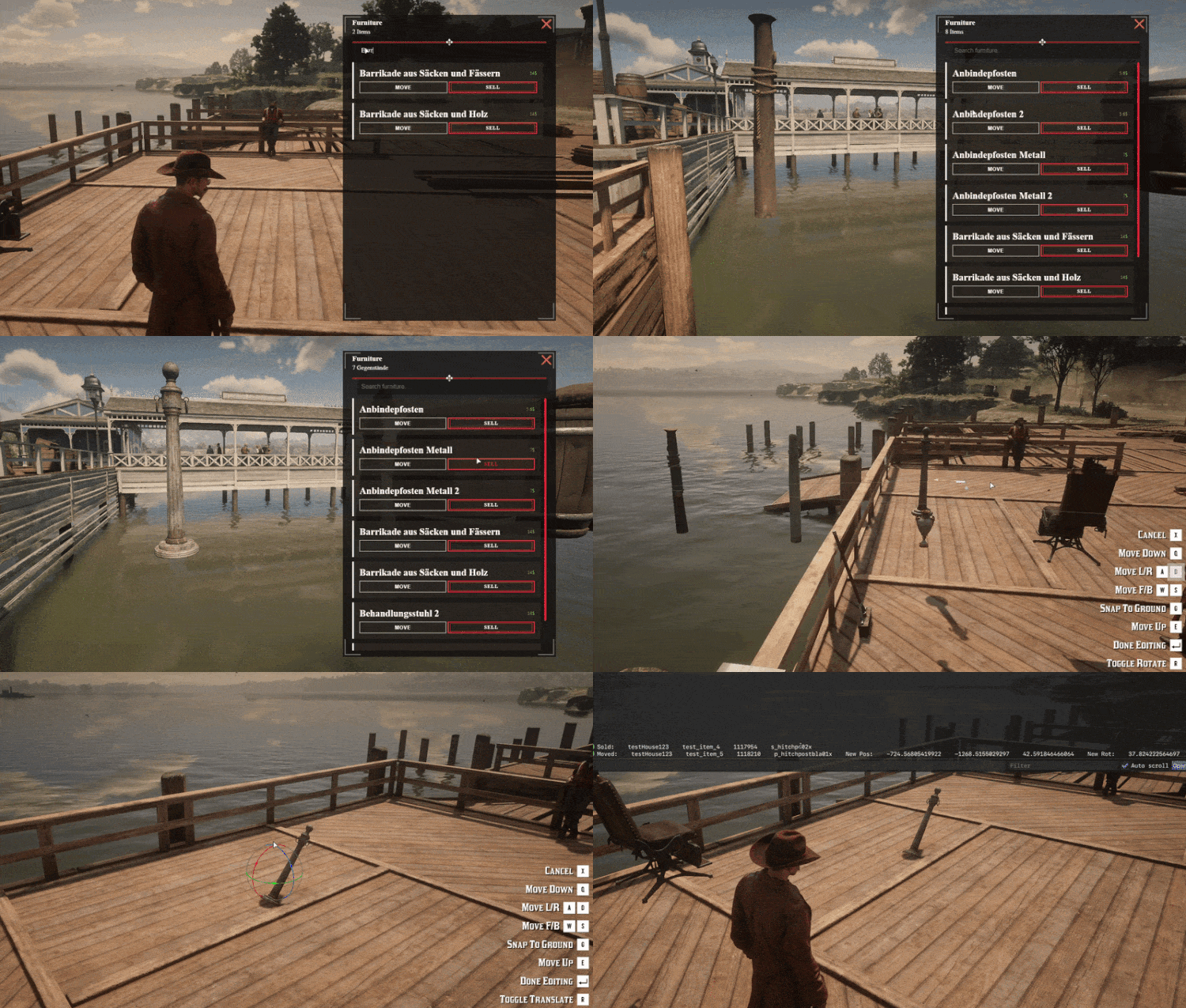
Open Developer API Expose your own housing/camp resource to the furniture management UI (move / sell / pickup) with a single client-side export call. Callbacks give you full control.
-
Per-Store Catalogues Assign individual category lists (or all categories) to each store. Blacklist categories per location. One config file, total flexibility.
🛠️ Technical Excellence
🔴 Native VORP Support
Ludwig Furnitureselling integrates seamlessly with VORP Core and vorp_inventory right out of the box. Money deductions, item grants, metadata — all handled through the shared VORP-bridge that is open in both versions.
🌉 Open Developer Exports
Don´t want to maintain UIs for all your Resources ? Just use the initUi client export with your own spawned entities and receive typed callbacks for every player action.
📝 How It Works
- Browse the Store: Player walks up to an NPC vendor and opens the buy panel.
- Preview Items: Hover a furniture card — the prop spawns at the preview point and the camera focuses on it. Rotate and zoom with the mouse.
- Fill the Basket: Add items at any quantity, watch the total update live.
- Checkout: One click purchases the entire basket. Items land in inventory with model metadata attached.
-
Place at Home: Player uses the inventory item → placement is handled using
gs_gizmoinside furnituremanagement → Your Provider gets the Info to handle the rest.
Links
⚙️ Examples
Store Config
 ["Ludwig´s Store"] = {
        coords = vector3(-726.2164306640625, -1275.0068359375, 43.57690048217773),
        npc = {
            heading = 358.8620,
            ped = "cs_watson_02",
            animDict = "script_amb@stores@store_shadyshop",
            animName = "base",
            scenario = "WORLD_HUMAN_SMOKE" --scenario will beat animation
        },
        blip = {
            show = true,
            overwriteName = false, -- optional
            sprite = "blip_chest", -- optional
            color = false          -- optional
        },
        props = {
            previewPropCoords = vector3(-722.9008, -1272.0609, 43.5769),
            heading = 1.6307,
        },
        configs = "all" -- or table selecting specific categories
        blacklist = { "campfire", "tent" } -- dont show these categories
    },
Item Config:
Config.fencesFurniture = {
    ["p_barricadewood_lrg01x"] = {
        costToBuy = 2,
        sellFor = false,
        label = "Eine mannshohe Holzwand",
        description = false,
        icon = false,
        canPickup = false -- optional value that shall allow pickup instead of sell
    },
    ["p_hitchingpost04x"] = {
        costToBuy = 8,
        sellFor = false,
        label = "Anbindepfosten",
        description = false,
        icon = false,
        canPickup = false -- optional value that shall allow pickup instead of sell
    },
}
How to call UI from your script
         exports.ludwig_furnituremanagement:initUi {
            uniqueId      = "testHouse123",
            furnitureList = testFurniture,

            onPickup      = function(uniqueId, uniqueFurnId, handle, _, model)
                print("Picked up:", uniqueId, uniqueFurnId, handle, model)
            end,

            onDelete      = function(uniqueId, uniqueFurnId, handle, _, model)
                print("Sold:", uniqueId, uniqueFurnId, handle, model)
            end,

            onMove        = function(uniqueId, uniqueFurnId, handle, cfg, model, newPosition, newRotation)
                print("Moved:", uniqueId, uniqueFurnId, handle, model,
                    "New Pos:", newPosition.x, newPosition.y, newPosition.z,
                    "New Rot:", newRotation.x, newRotation.y, newRotation.z, "Config:", json.encode(cfg))
            end,
        }
example Outputs from Functions above: Moved: testHouse123 test_item_3 6289922 p_hitchingpost04x New Pos: -727.60760498047 -1283.3571777344 42.713634490967 New Rot: 0.0 0.0 0.0 Config: {"label":"Anbindepfosten","description":false,"canPickup":false,"furniture":"p_hitchingpost04x","sellFor":5.6,"costToBuy":8,"icon":false}
Sold: testHouse123 test_item_3 4431874 p_hitchingpost04x